











Description
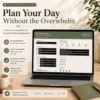
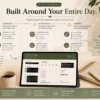
Digital Daily Planner — A Calm, Customizable Daily Planning Workspace
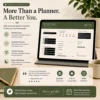
Create focused, intentional days with a beautifully designed offline-first Digital Daily Planner that helps you organize your life without overwhelm.
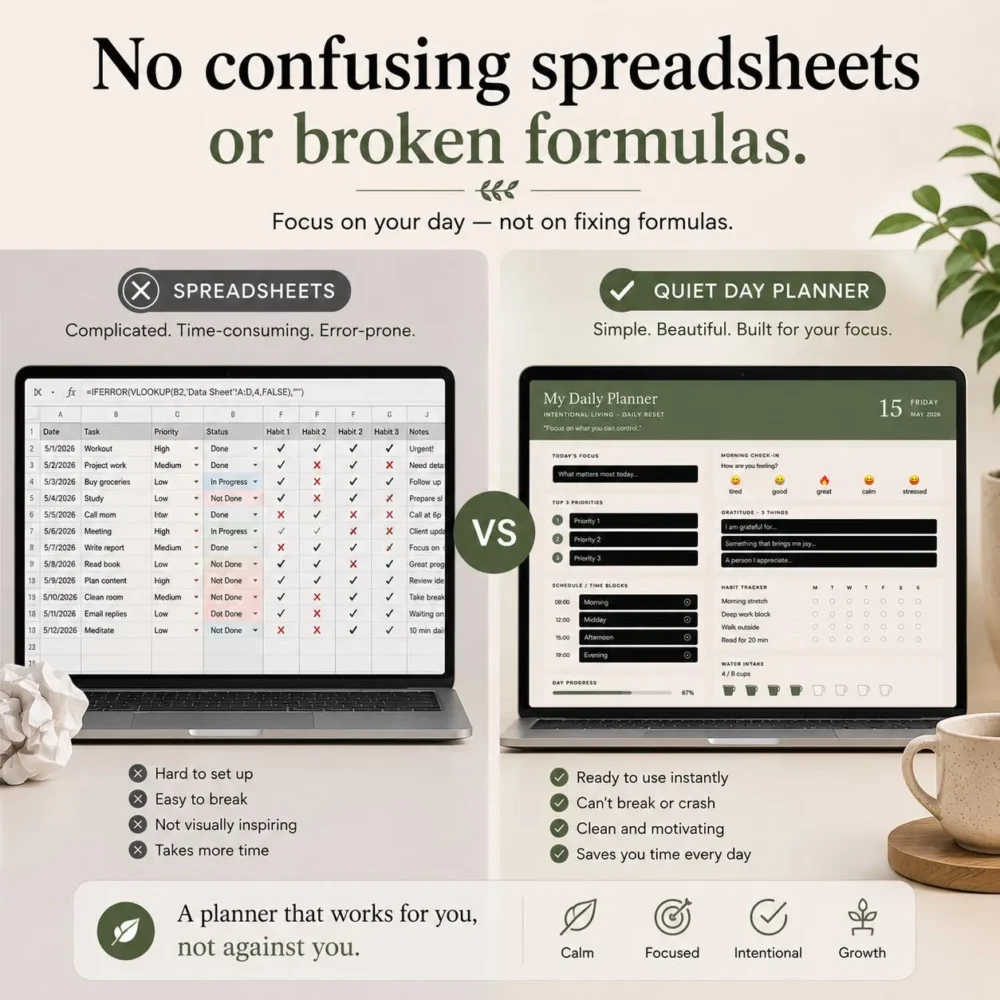
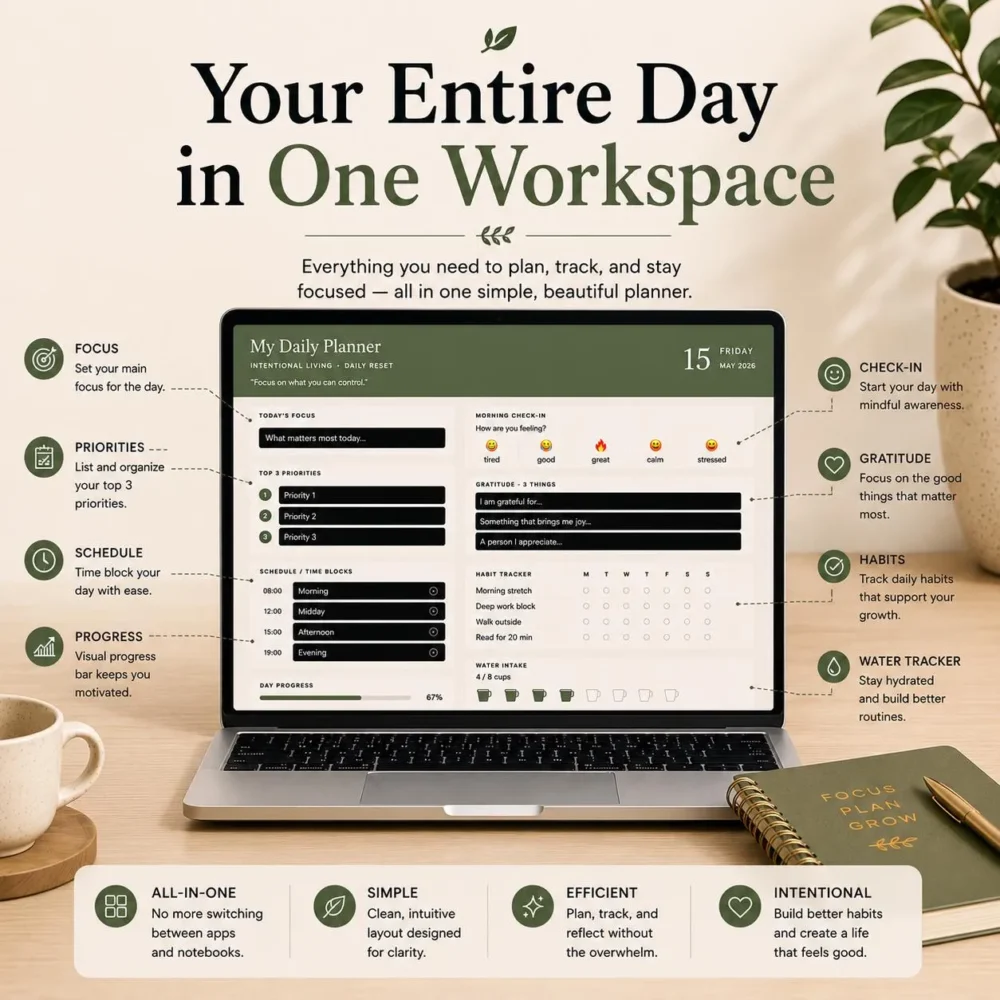
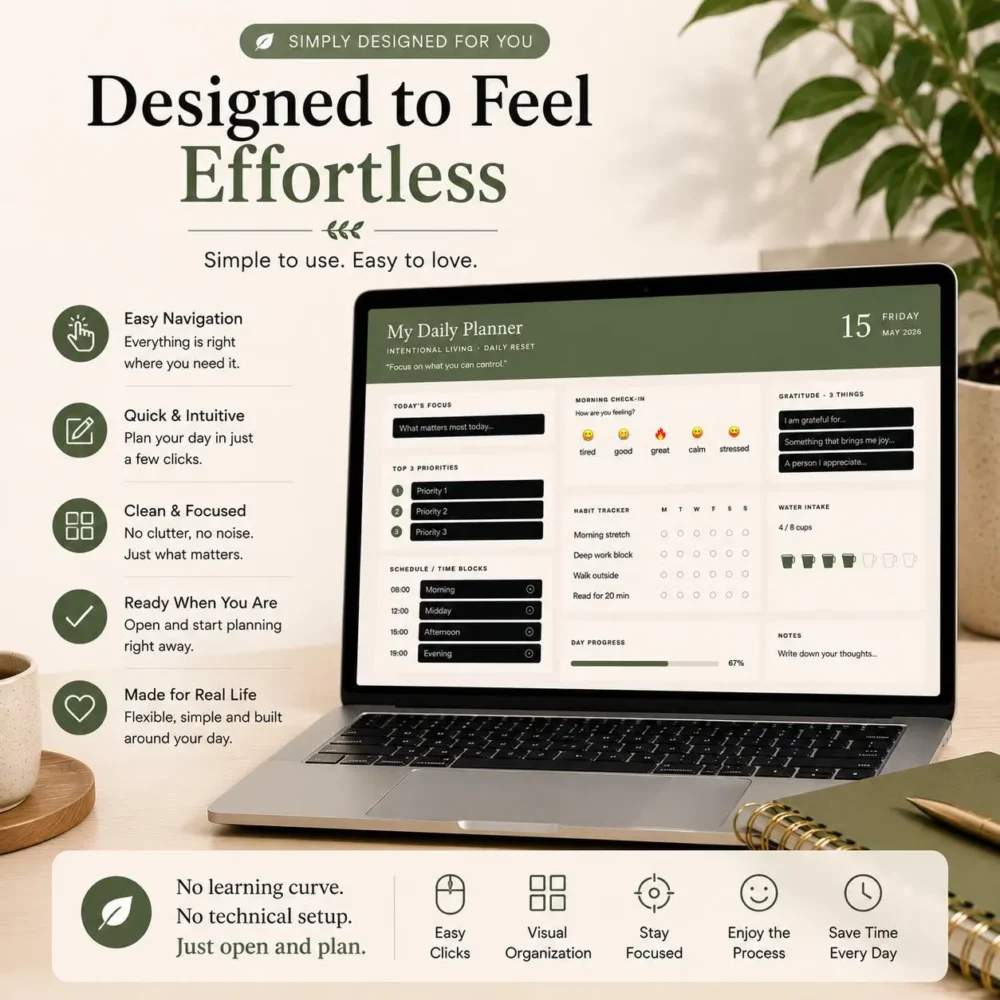
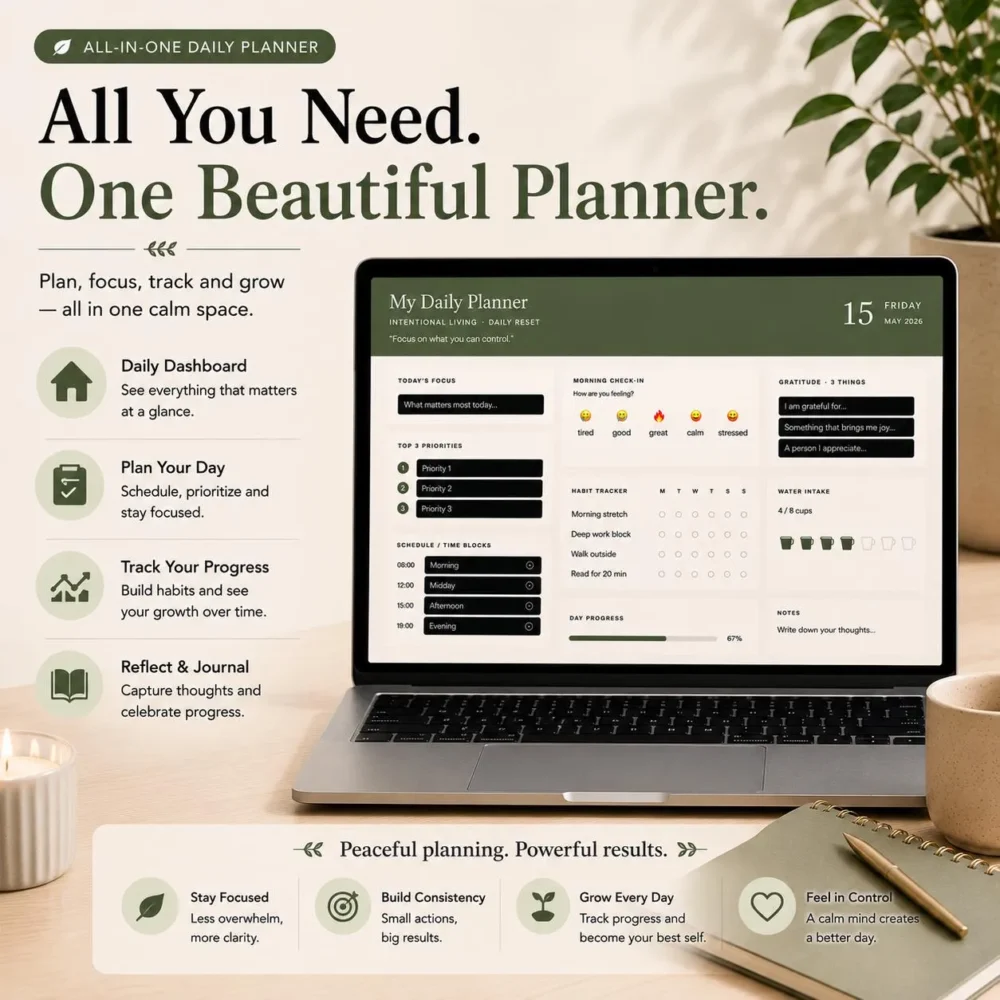
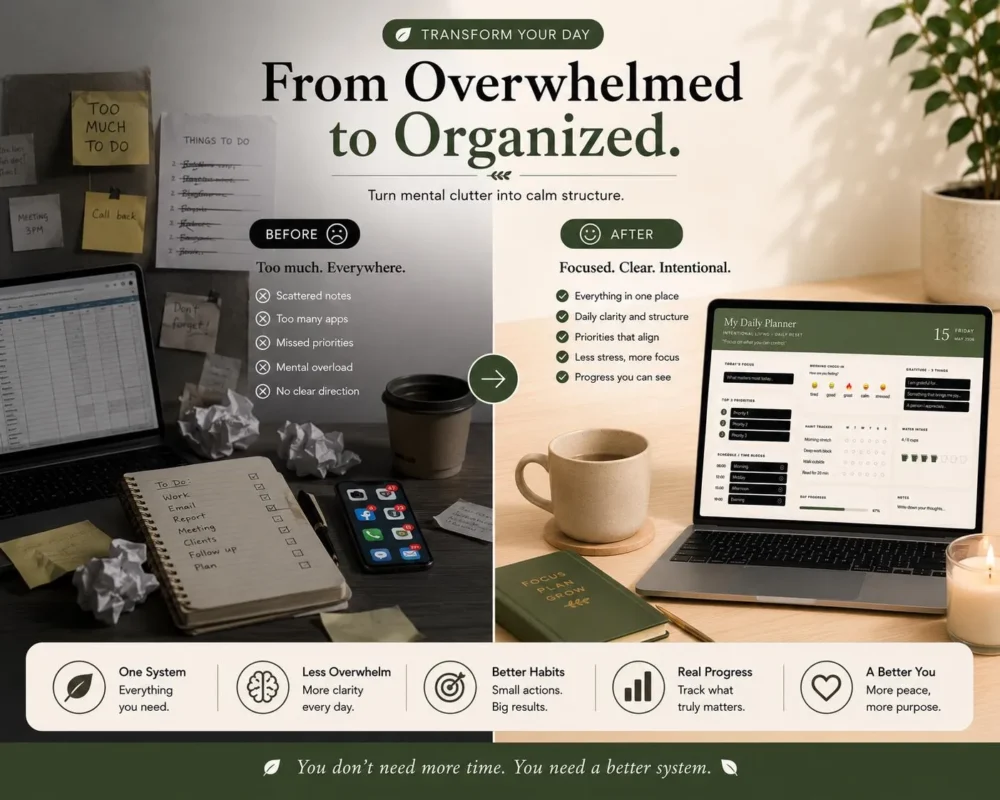
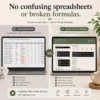
Unlike complicated spreadsheets or cluttered planning systems, Quiet Day Planner offers a clean, calming workspace where you can plan your day, track habits, organize priorities, reflect intentionally, and build better routines — all in one place.
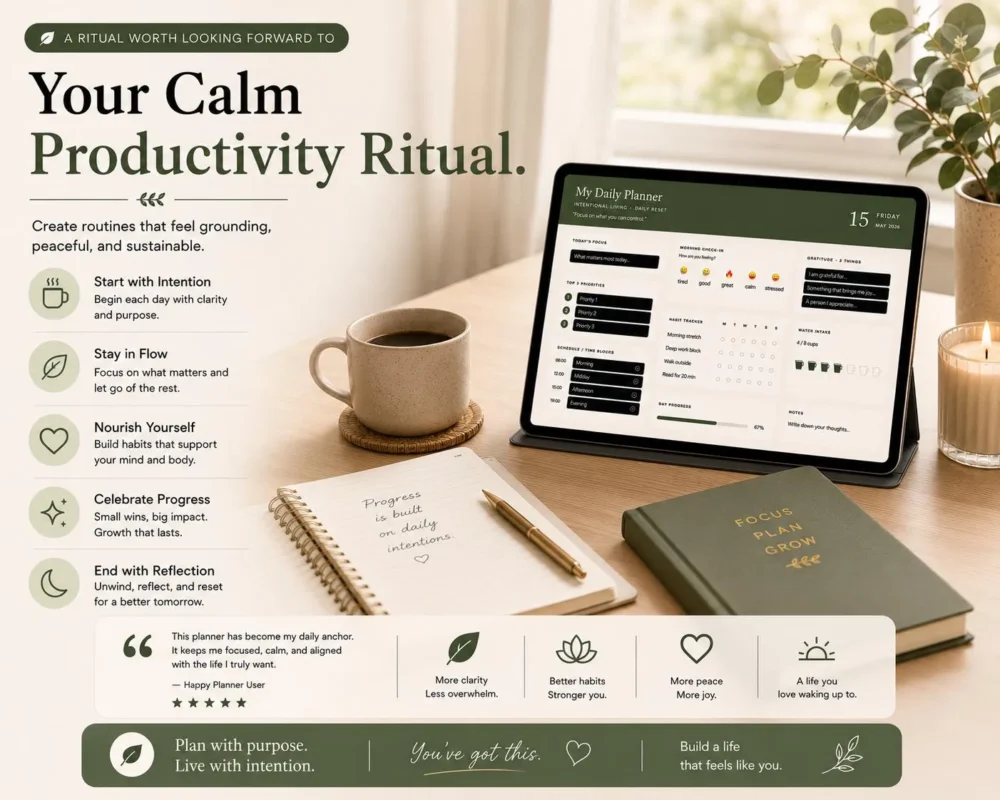
Designed with simplicity and clarity in mind, this planner feels more like a peaceful productivity app than a traditional digital template.
See what our customers are saying: Check out our Reviews on our Etsy Store.
⚠️ CRITICAL: PLEASE READ BEFORE PURCHASING
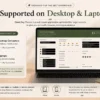
This is a browser-based desktop application (HTML/JS), NOT a PDF, NOT a Notion template, and NOT a GoodNotes template.
- ✔ Works on: Windows and Mac desktop/laptop computers.
- ❌ Does NOT work on: iPads, Android tablets, or mobile phones. It does not work inside GoodNotes, Notability, or similar tablet apps.
- Requires a modern desktop browser (Google Chrome, Microsoft Edge, Firefox, or Brave recommended. Safari is also supported on Mac).
What Makes This Planner Different?
- ✔ No spreadsheets or formulas
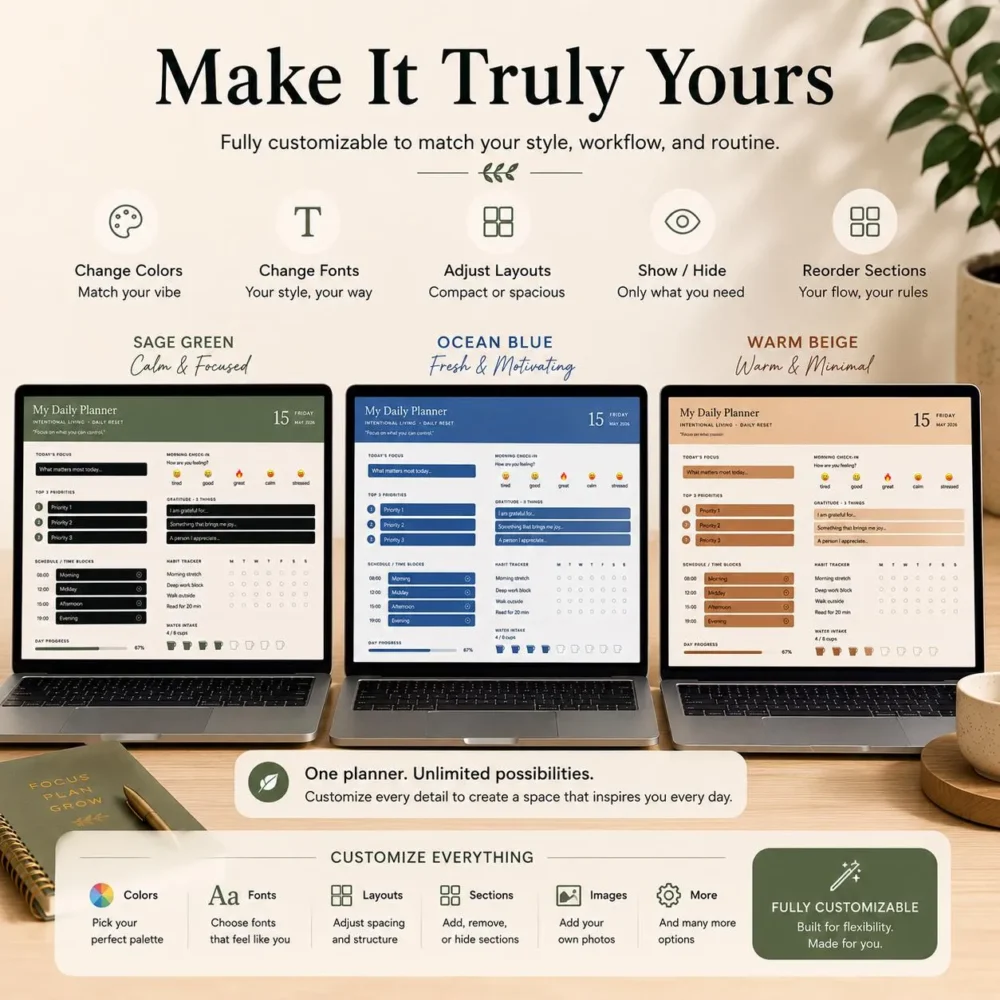
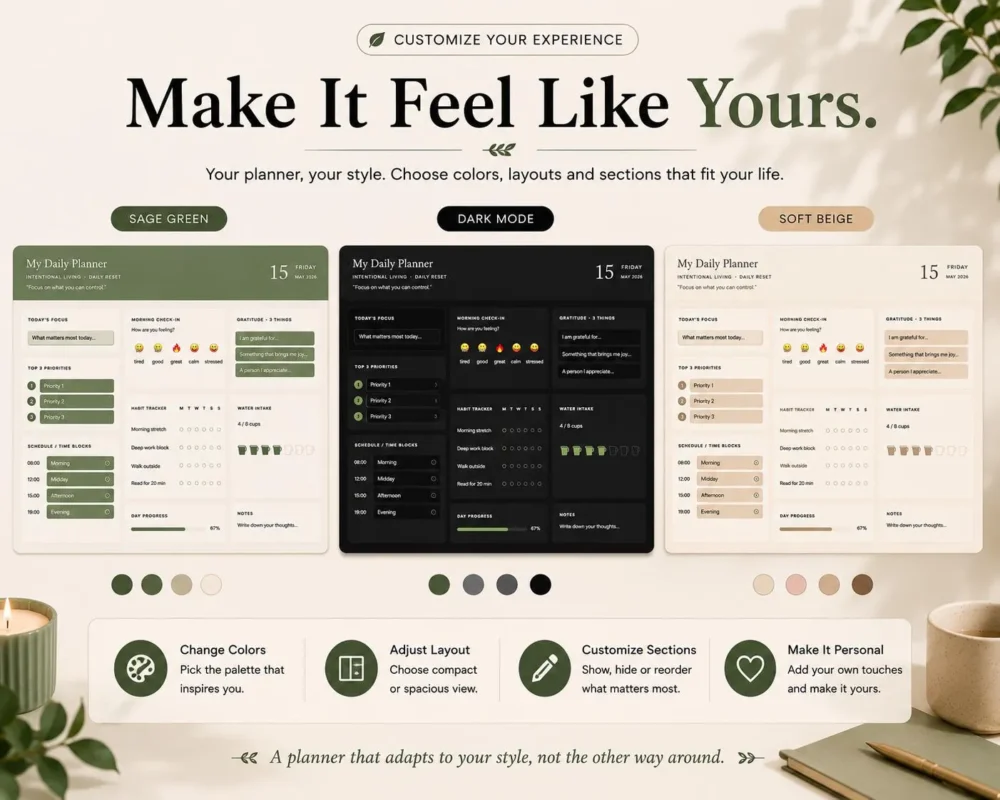
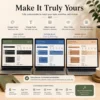
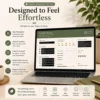
- ✔ Fully customizable themes & layouts
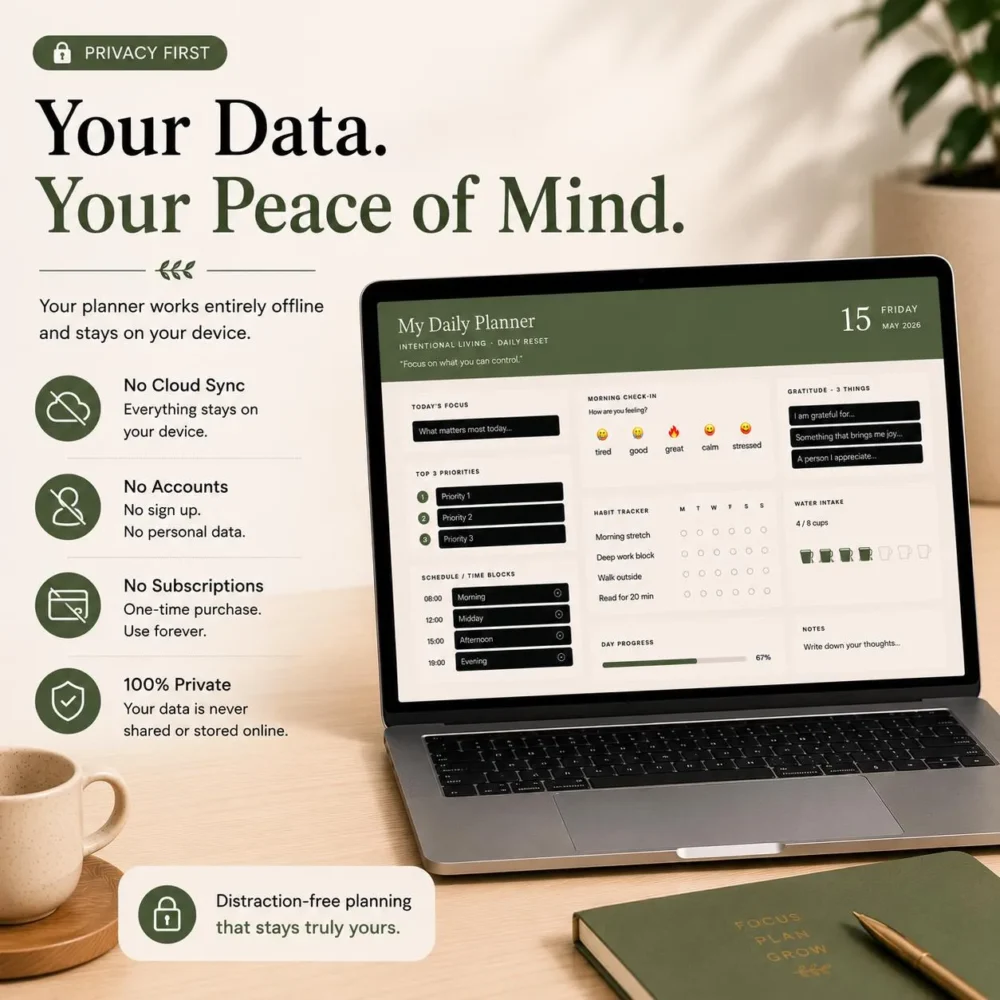
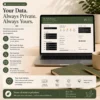
- ✔ Offline-first local planner — no internet needed after setup
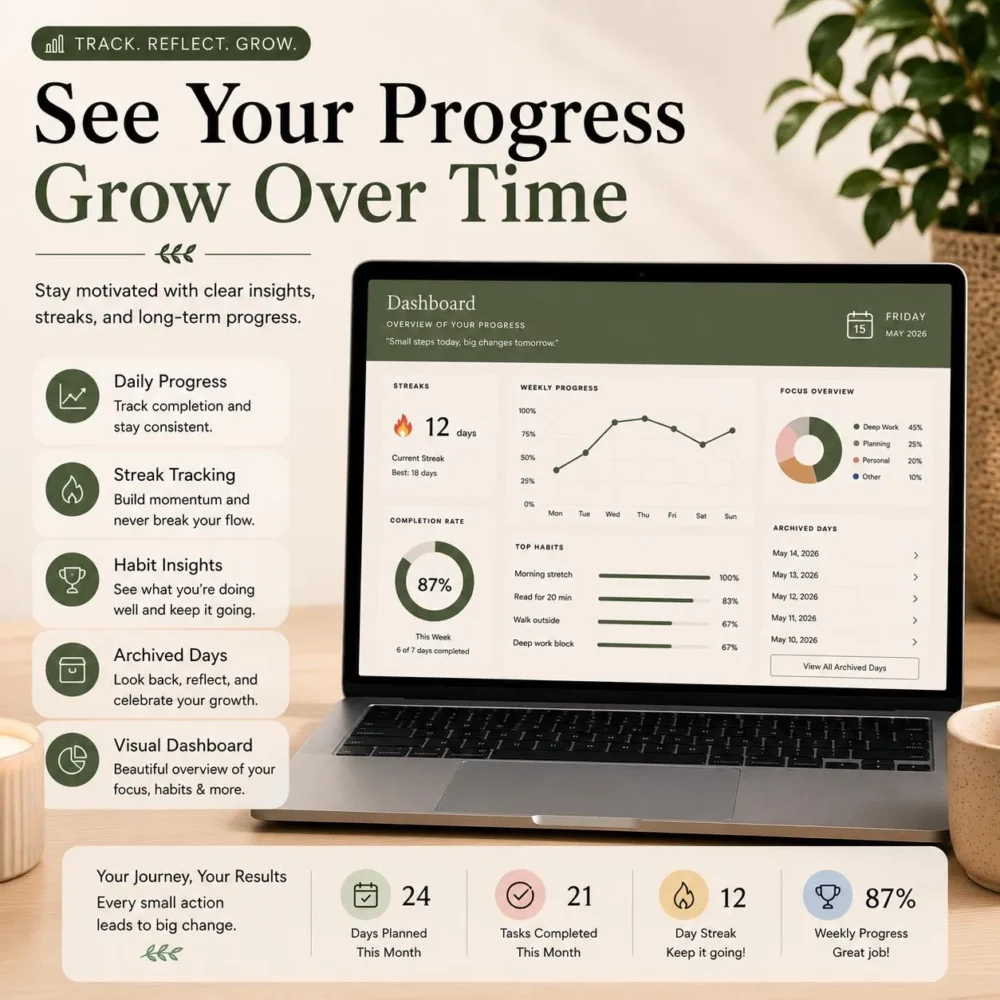
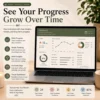
- ✔ Dashboard with progress tracking
- ✔ Habit & wellness tracking
- ✔ Daily focus and reflection tools
- ✔ Minimal, calming interface
- ✔ One-time purchase — no subscriptions
Included Features
Daily Planning Workspace
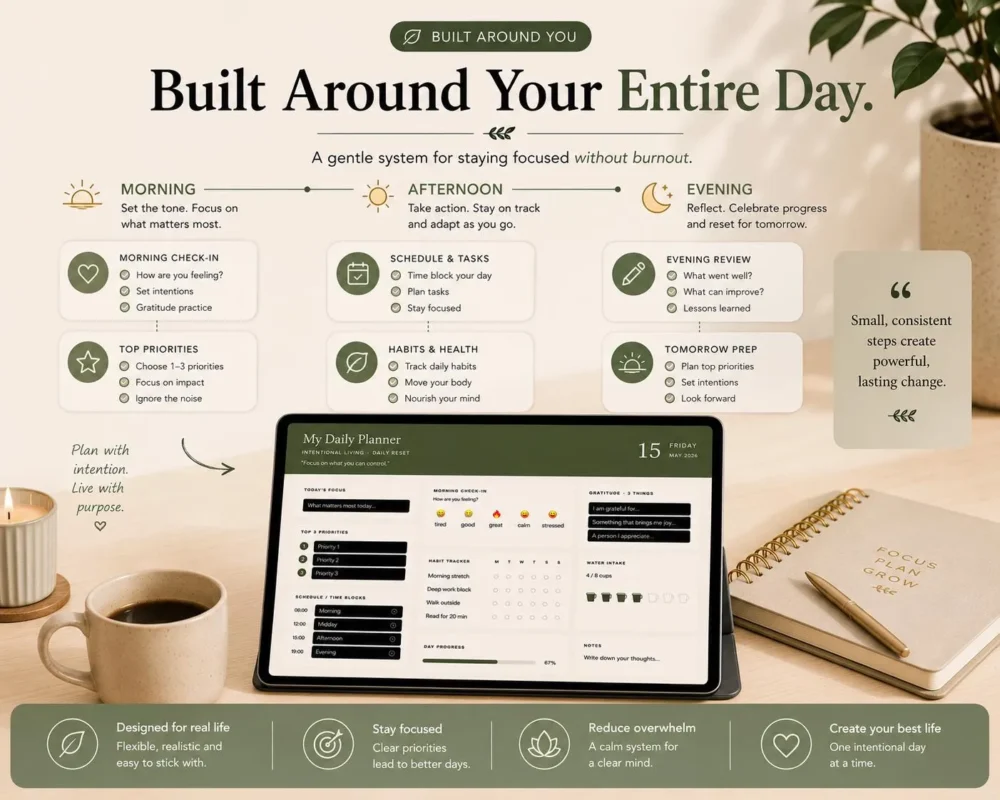
- Today’s focus
- Top priorities
- Schedule & time blocking
- Notes & brain dump
Wellness & Reflection
- Morning check-in
- Gratitude section
- Evening wins
- Daily reflections
Habit & Productivity Tools
- Habit tracker
- Water intake tracker
- Completion tracking
- Productivity dashboard
- Habit streak insights
Full Customization
- Theme color customization
- Compact or spacious layouts
- Show/hide planner sections
- Reorder planner cards
- Personalized habit labels
Dashboard & Analytics
- Productivity snapshots
- Archived days
- Weekly completion tracking
- Habit streaks
- Water averages
- Recent reflections
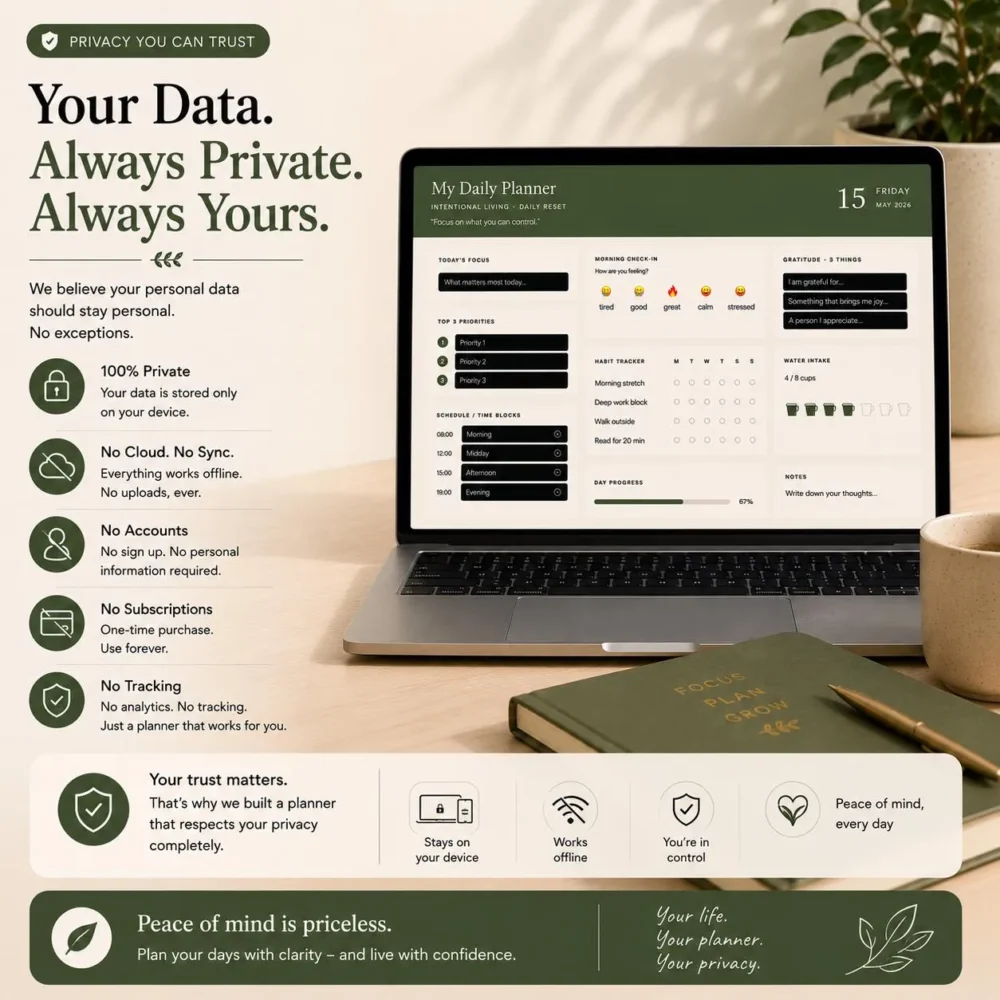
Offline-First Experience
- Works locally on your device — no internet needed once set up
- No accounts required
- No cloud syncing
- No subscriptions
- Export & import JSON backups to protect your data
How It Works
- Download the ZIP file (from your Etsy purchases or Desigine account).
- Extract the files to any folder on your computer.
- Open the planner launcher file (index.html) in your browser.
- The planner loads instantly — no installation required.
- Start planning right away.
The planner runs entirely in your browser for a smooth, app-like experience. Your data is saved in your browser’s local storage. Use the built-in JSON export feature to back up your data — this protects it if you ever clear your browser cache.
Important Information
- Digital download only — no physical item will be shipped.
- Works on Windows and Mac desktop/laptop computers.
- This is NOT a PDF planner or GoodNotes template.
- Data is stored in your browser’s local storage — use the JSON export to keep regular backups.
- No refunds on digital downloads, but please message us before purchase if you have any questions.
Perfect For
- Daily planning
- Intentional living
- Wellness routines
- Self-care organization
- Productivity tracking
- Habit building
- Gratitude journaling
- Digital organization
- Minimalist productivity systems
Policies and Support
For refunds, cancellations, and other terms, please review our Policies & Legal page. If you have any problems or need support, please visit our Contact Us page.
Frequently Asked Questions
Is this a PDF or a digital planner for my iPad?
No. This is a browser-based desktop application. It will not work on iPads, Android tablets, or inside apps like GoodNotes or Notability. It is designed specifically for Windows and Mac desktop/laptop computers.
What will I receive after purchasing?
You will receive a downloadable ZIP file containing the HTML/JS application files and instructions.
How do I set it up?
Download the ZIP, extract the files to a folder on your computer, and double-click the index.html file. It will open in your web browser and run instantly. No installation is required.
Where is my data saved? Is it safe?
Your data is saved locally in your web browser’s storage. It is not sent to the cloud, ensuring complete privacy. Because it is local, we strongly recommend using the built-in JSON Export feature regularly to back up your data (in case you clear your browser cache).
Do I need an internet connection to use it?
No! Once you have downloaded and opened the file in your browser, you can use the planner entirely offline. No internet connection is required.
Are there any subscription fees?
No. This is a one-time purchase. There are no monthly fees or subscriptions.



Reviews
There are no reviews yet.